Jupyter notebook changelog
A summary of changes in the Jupyter notebook. For more detailed information, see GitHub.
4.1.0
Bug fixes:
- Properly reap zombie subprocesses
- Fix cross-origin problems
- Fix double-escaping of the base URL prefix
- Handle invalid unicode filenames more gracefully
- Fix ANSI color-processing
- Send keepalive messages for web terminals
- Fix bugs in the notebook tour
UI changes:
Moved the cell toolbar selector into the View menu. Added a button that triggers a “hint” animation to the main toolbar so users can find the new location. (Click here to see a screencast )
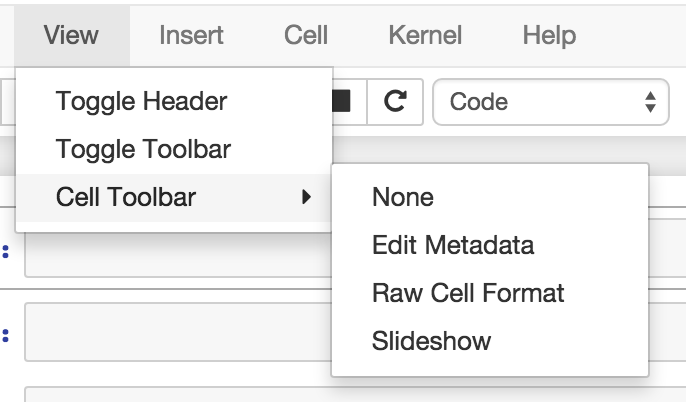
Added Restart & Run All to the Kernel menu. Users can also bind it to a keyboard shortcut on action
restart-kernel-and-run-all-cells.Added multiple-cell selection. Users press
Shift-Up/DownorShift-K/Jto extend selection in command mode. Various actions such as cut/copy/paste, execute, and cell type conversions apply to all selected cells.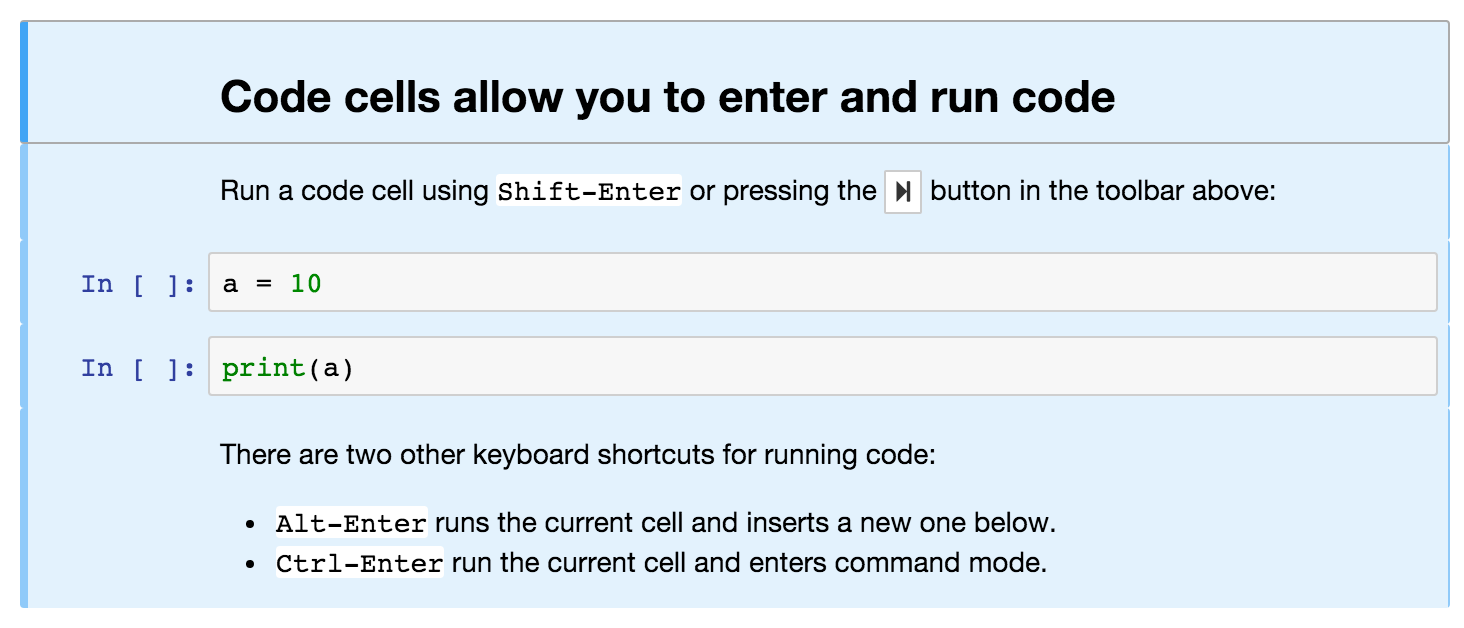
Added a command palette for executing Jupyter actions by name. Users press
Cmd/Ctrl-Shift-Por click the new command palette icon on the toolbar.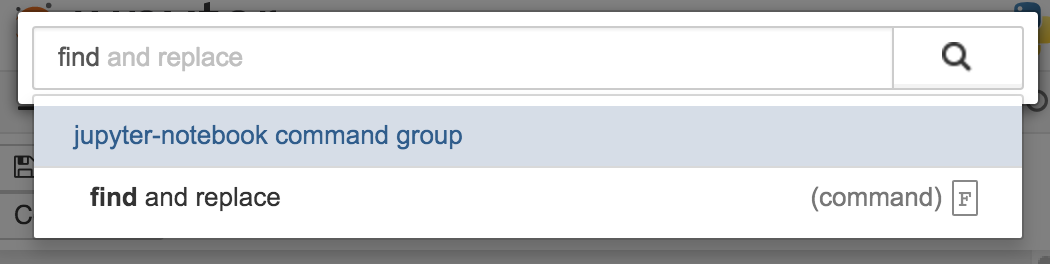
Added a Find and Replace dialog to the Edit menu. Users can also press
Fin command mode to show the dialog.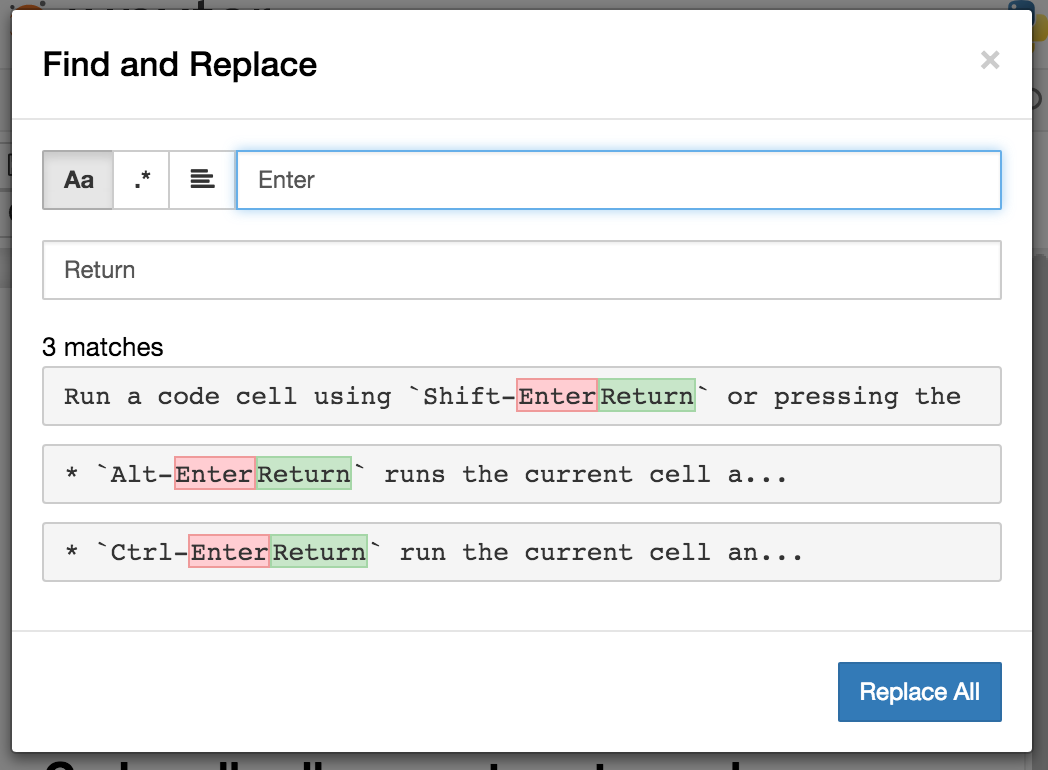

Other improvements:
- Custom KernelManager methods can be Tornado coroutines, allowing async operations.
- Make clearing output optional when rewriting input with
set_next_input(replace=True). - Added support for TLS client authentication via
--NotebookApp.client-ca. - Added tags to
jupyter/notebookreleases on DockerHub.latestcontinues to track the master branch.
See the 4.1 milestone on GitHub for a complete list of issues and pull requests handled.
4.0.x
4.0.6
- fix installation of mathjax support files
- fix some double-escape regressions in 4.0.5
- fix a couple of cases where errors could prevent opening a notebook
4.0.5
Security fixes for maliciously crafted files.
- CVE-2015-6938: malicious filenames
- CVE-2015-7337: malicious binary files in text editor.
Thanks to Jonathan Kamens at Quantopian and Juan Broullón for the reports.
4.0.4
- Fix inclusion of mathjax-safe extension
4.0.2
- Fix launching the notebook on Windows
- Fix the path searched for frontend config
4.0.0
First release of the notebook as a standalone package.